
Players and Bans
The Players tab shows who is connected to your CS2 server and keeps your SteamID and IP ban lists. It gets its data over RCON with the status command, so RCON must be on (see Before you start) and the server running.
To open it, go to Hosting > Game Servers > your server and click the Players tab.
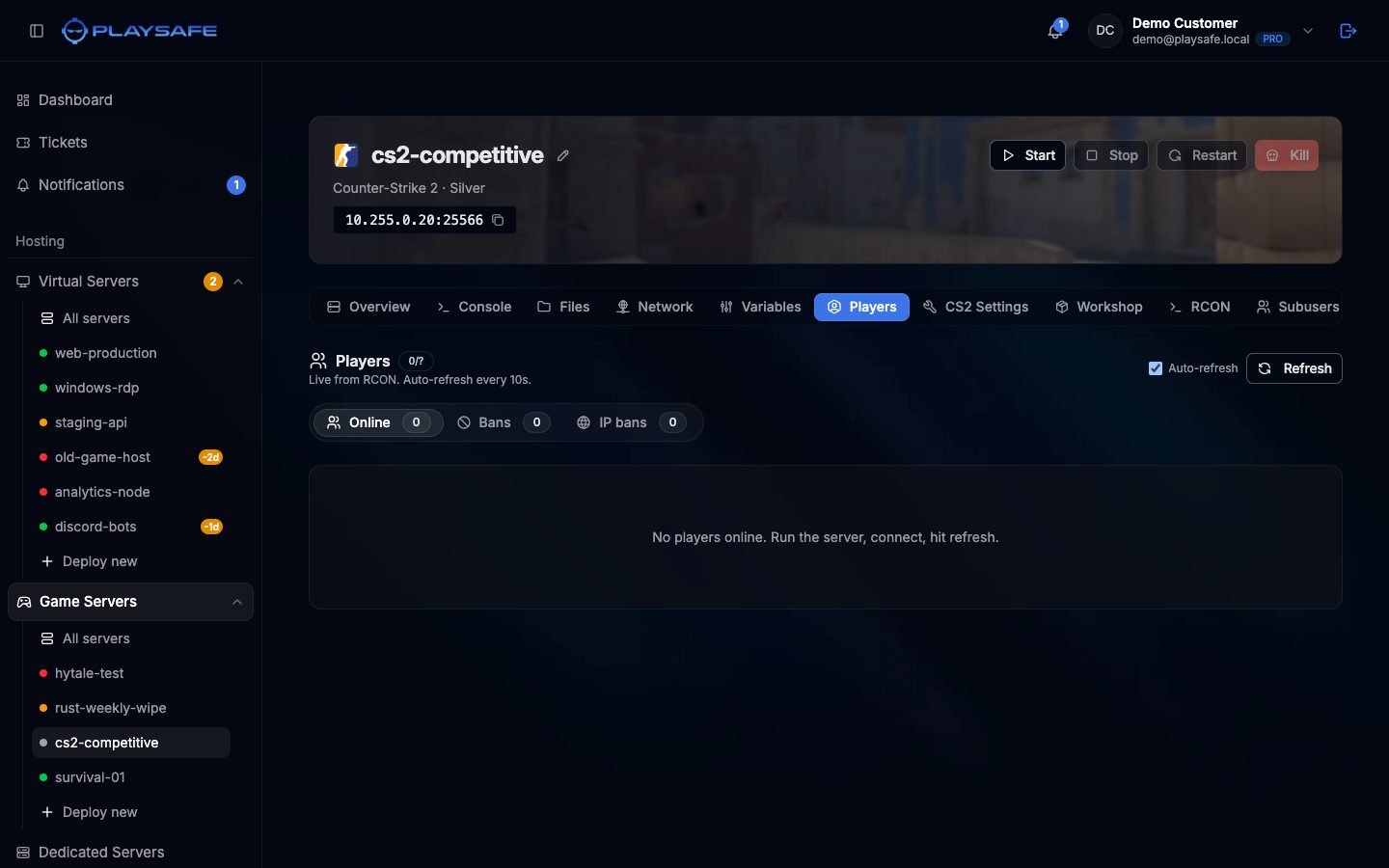
Header
- A badge with humans online and the maximum (for example
8/12), a +N bots badge when there are bots, and a Hibernating badge when the server sleeps. - The current map, under the title.
- Auto-refresh: when ticked, the list reloads every 10 seconds while the browser tab is visible. Untick it to stop.
- Refresh: reload now.
Online
Each connected player has a row with:
- The name, which links to their Steam profile.
- The SteamID badge (for example
STEAM_1:1:12345). - Ping and packet loss.
- How long they have been connected, and their IP address.
Two icons on the right:
| Icon | What it does |
|---|---|
| Kick (door) | Disconnects the player. They can reconnect. |
| Permanent ban | Bans the SteamID with no time limit and kicks the player. The ban is saved in cfg/banned_user.cfg. |
Both act at once, without a confirmation dialog. To ban for a limited time, use the RCON tab with banid.
Bans
The Bans subtab lists the SteamIDs in the server’s ban file, with the note and the duration (permanent or minutes). Click Unban to remove one.
IP bans
- Open the IP bans subtab.
- Type the address in IP address. Only IPv4 addresses are accepted.
- Type the duration in minutes in the number box:
0is permanent, the maximum is 40320 (four weeks). - Click Ban IP.
The list below shows each banned IP with its duration. Click Unban to remove it. IP bans are saved in cfg/banned_ip.cfg.
IP bans can hit innocent players
Commands behind the buttons
| Action | RCON command |
|---|---|
| Kick | kickid {userid} |
| Permanent ban | banid 0 {userid} kick then writeid |
| Ban IP | addip {minutes} {ip} then writeip |
| Unban SteamID | removeid {steamid} then writeid |
| Unban IP | removeip {ip} then writeip |
You can run them yourself from the RCON tab.