
Attack Detail
The detail page shows what PlaySafe recorded about one attack. Open it by clicking an attack in Security > Attacks, with View live details on the banner of an attack in progress, or from the link in a notification.
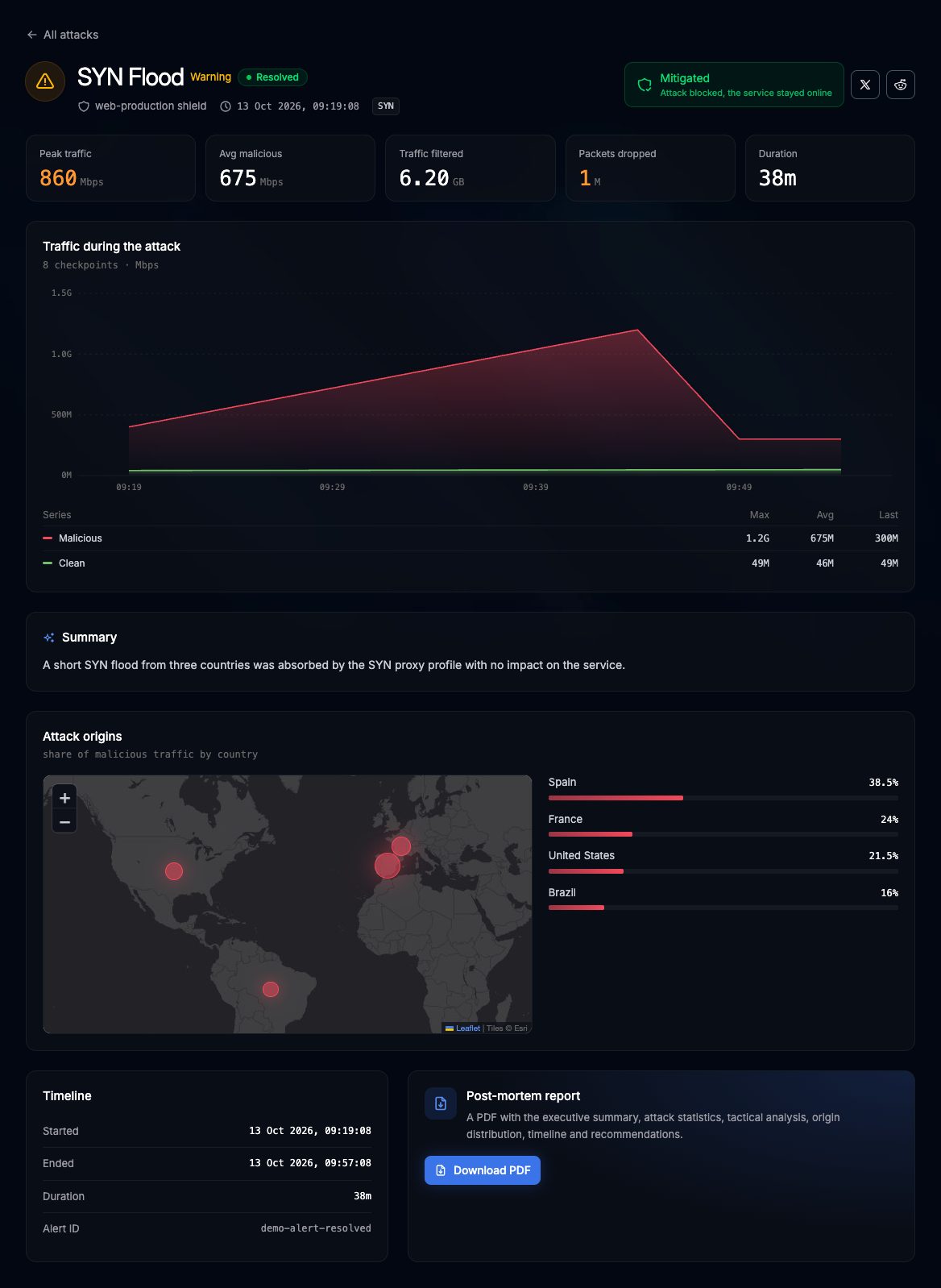
Header
- All attacks link back to the list
- The attack type as the title (for example
SYN Flood), its severity (Critical, Warning or Info) and its state (Under attack or Resolved) - The service that was hit, the start time, and one tag per attack vector
Result
A box on the right says how the attack was handled:
| Result | Text in the panel |
|---|---|
| Mitigated | Attack blocked, the service stayed online |
| Dropped | Malicious traffic dropped at the edge |
| Partially mitigated | Some traffic got through |
| Allowed | Traffic passed, review your rules |
For Mitigated and Dropped attacks, two buttons let you share the result on X or Reddit with a prefilled message.
Figures
A row of tiles with the figures the attack has: Peak traffic and Avg malicious (Mbps or Gbps), Traffic filtered (GB), Packets dropped (millions), and Duration (or Ongoing for while it lasts). Tiles without data are left out.
Traffic during the attack
A chart of Malicious and Clean traffic in Mbps at each checkpoint recorded, with max, average and last values. With fewer than two checkpoints it reads Not enough checkpoints yet to draw the traffic.
Summary
A short written explanation of the attack. It is generated when the attack ends, so during an attack it says so.
Attack origins
A map and a list of the countries the malicious traffic came from, with the share of each one. During an attack, origins fill in as traffic samples arrive.
Timeline
Started, Ended (Ongoing while active), Duration and the Alert ID.
Post-mortem report
Once the attack is Resolved, click Download PDF to get the report. While the attack is going on, the card says it will be Available once the attack is resolved. See Post-Mortem Report.
Active attacks