
Workshop Maps
The Workshop tab lets you find CS2 maps on the Steam Workshop, keep the ones you like in a library, and switch the running server to one of them.
To open it, go to Hosting > Game Servers > your server and click the Workshop tab. It has three subtabs: Browse, Library (with a counter) and Add by URL.
Loading a map sends host_workshop_map {id} to the server over RCON, so RCON must be on (see Before you start) and the server running. If the map is not downloaded yet, the server downloads it from the Workshop first.
Browse the Workshop
- Open the Browse subtab.
- Type in the search box (for example
dust2,aim_map,surf,retake) and pick an order: Trending, Most recent, Most subscribed, Top rated or Most followed. - Each card shows the preview, a star rating, the title, the author and a link to the map on Steam.
- On a card:
- Install adds the map to your library. It does not change the map on the server.
- The play button adds it to the library and switches the server to it now.
- Use Previous and Next at the bottom to change page.
Maps already in your library show an Installed badge.
Add a map by URL or ID
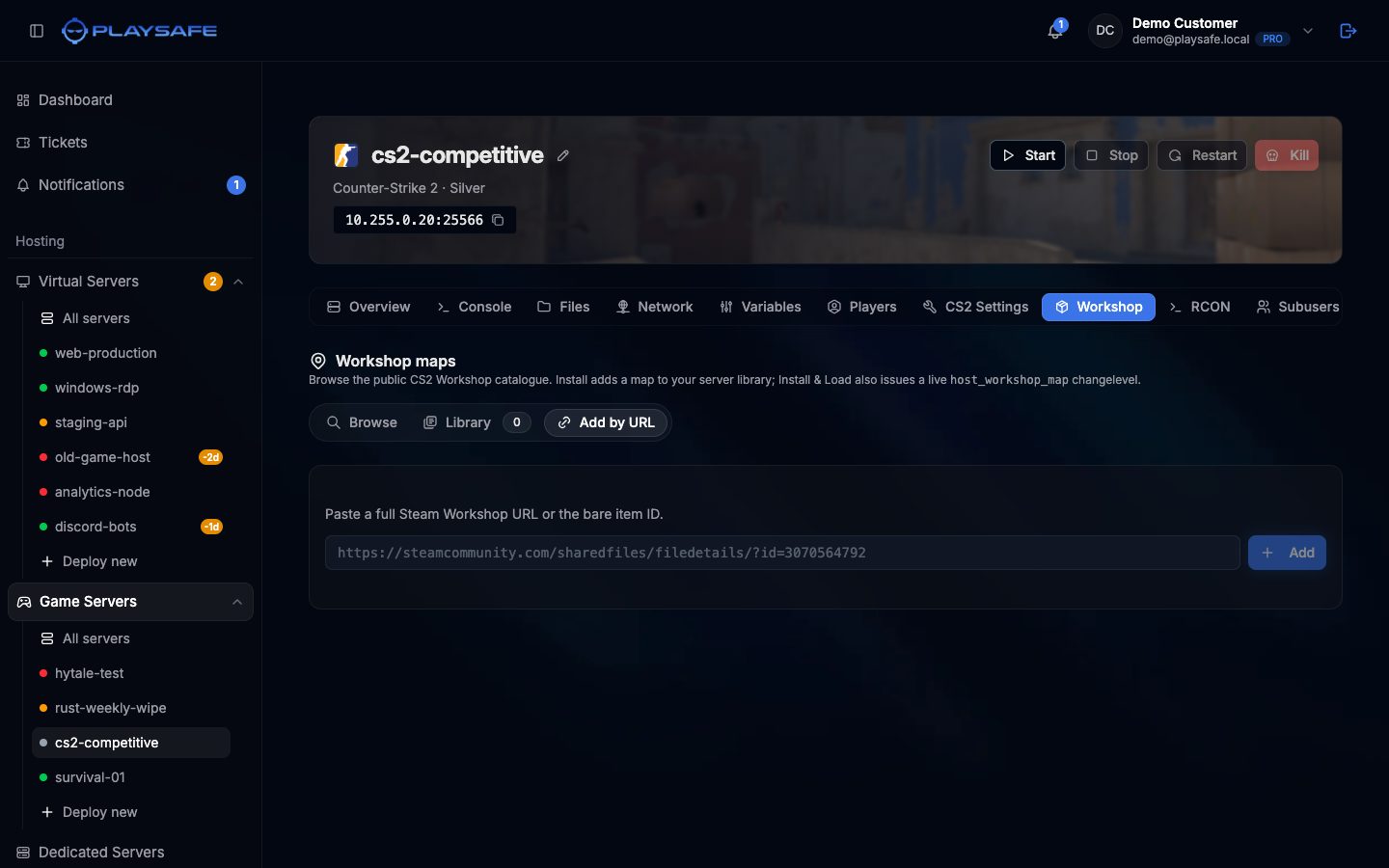
- Open the Add by URL subtab.
- Paste a full Workshop URL (for example
https://steamcommunity.com/sharedfiles/filedetails/?id=3070564792) or just the ID (3070564792). - Click Add (or press Enter). The panel looks the item up on Steam and adds it to your library.
Only CS2 Workshop items are accepted. If the ID is not a CS2 item, or Steam does not answer, you get “not a CS2 Workshop item, or Steam API unreachable”.
Library
The Library subtab lists your saved maps with their preview, title, Workshop ID and size, and a link to Steam.
- Load now switches the running server to that map. Players see the map change within seconds.
- The trash icon removes the map from your library. It does not change anything on the server.
The library is stored in the panel, per server.
First load takes longer
Official maps
Official maps like de_dust2 or de_mirage do not need the Workshop. Switch to one from the RCON tab with changelevel de_mirage, or set the Map variable and restart to change the map the server starts on.