
RCON Console
RCON is the Source engine’s remote console. The RCON tab sends admin commands to your running CS2 server and shows the replies, without joining the game.
To open it, go to Hosting > Game Servers > your server and click the RCON tab. RCON must be turned on first, see Before you start.
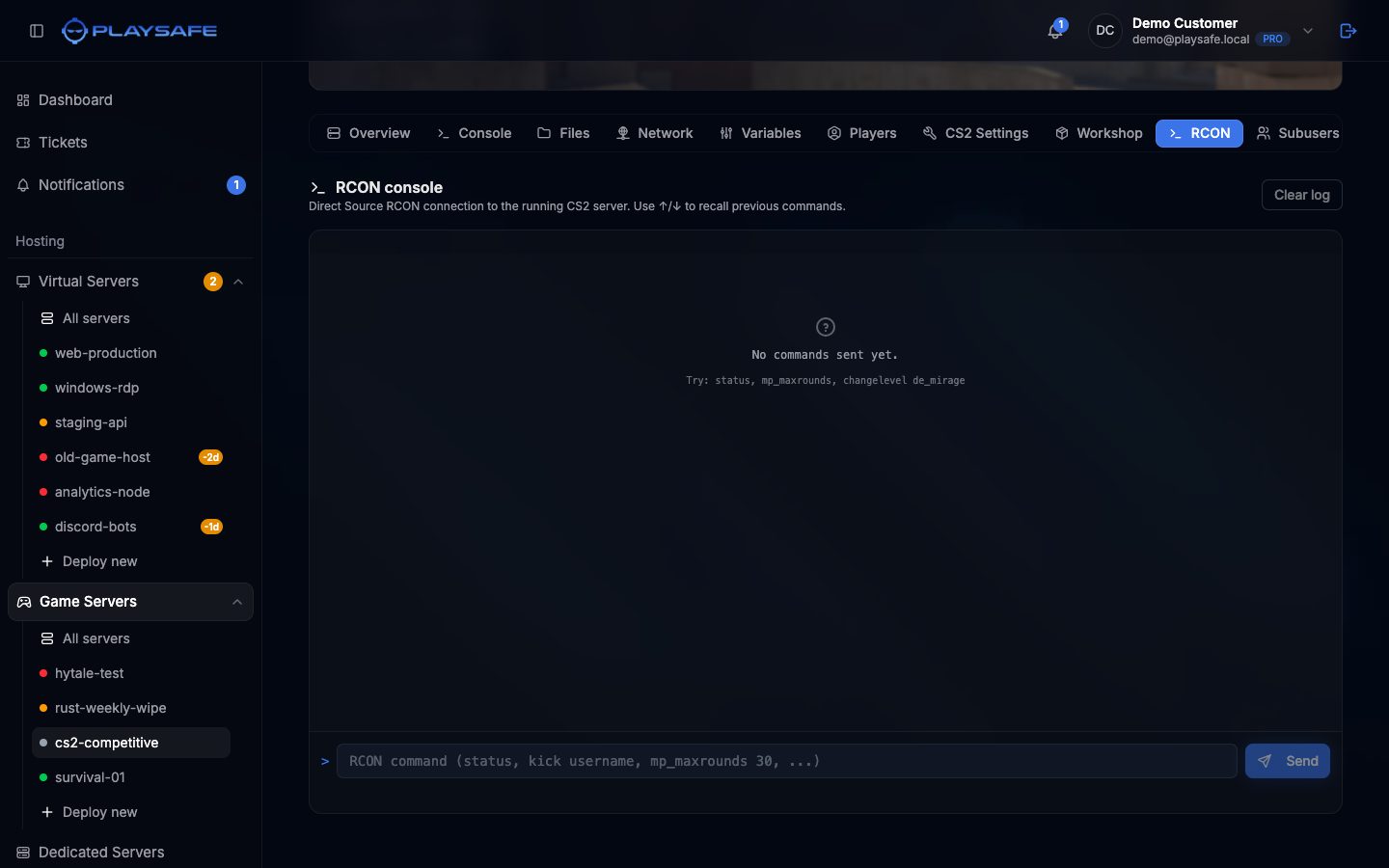
Send a command
- Click the command box at the bottom (placeholder “RCON command (status, kick username, mp_maxrounds 30, …)”).
- Type the command. Your browser suggests common commands as you type.
- Press Enter or click Send.
- The log shows the time, your command and the server’s reply. Errors appear in red.
Use the up and down arrow keys in the command box to recall your last commands (up to 50). Clear log empties the log on screen; it does not affect the server.
The log and the history only live in this browser tab: they are gone when you leave the page.
How it connects
The panel connects to your server’s game address with the RCON Password variable. Each command has a few seconds to answer and can be up to 1024 characters.
!
Keep the RCON password private
Anyone with the password can run any admin command on your server. Use a long random value. To change it, use the [CS2 Settings](/en/game-servers/cs2/settings) tab or the Variables tab, not the `rcon_password` command, so the panel keeps access.
Useful commands
| Command | What it does | Example |
|---|---|---|
status | Lists the map and connected players. | status |
changelevel {map} | Switches to an official map. | changelevel de_mirage |
host_workshop_map {id} | Loads a Workshop map by ID. | host_workshop_map 3070564792 |
mp_restartgame {sec} | Restarts the game after N seconds. | mp_restartgame 1 |
mp_warmup_end | Ends the warmup. | mp_warmup_end |
kickid {userid} | Kicks a player by the user id shown in status. | kickid 3 |
banid {min} {userid} | Bans a player for N minutes (0 is permanent). Add writeid to save it. | banid 60 3 |
say {message} | Sends a chat message as the server. | say Match starts in 10s |
game_type {n} / game_mode {n} | Sets the game mode from the next map. See the mode table. | game_mode 1 |